With so many AI art platforms available in 2026, choosing the right one depends on what you actually want to create.
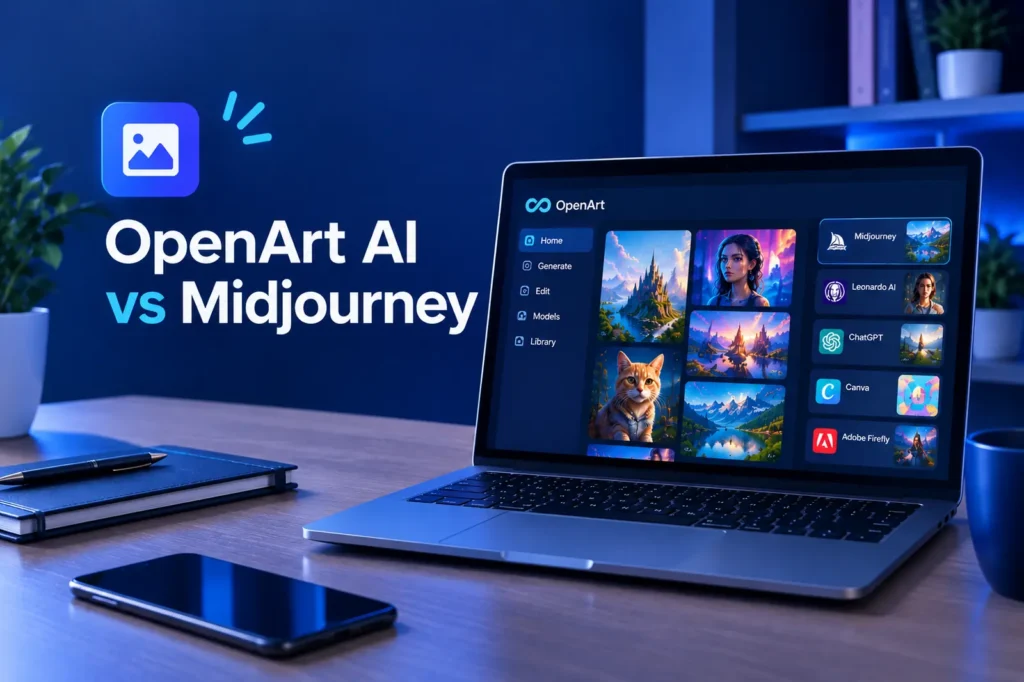
OpenArt AI takes a different approach by bringing many AI models and creative tools into one platform. Instead of relying on a single image model, users can choose from a large collection of image, video, and audio models depending on the project.
But how does OpenArt compare with other popular AI art tools?
In this guide, we’ll compare OpenArt AI with several alternatives and look at models, image quality, editing, character consistency, video creation, pricing, and the type of user each platform may suit.
OpenArt AI vs Competitors: Quick Comparison
| Tool | Main Strength | Best For |
|---|---|---|
| OpenArt AI | Multiple AI models and creative tools | Creators who prefer several tools in one workspace |
| Midjourney | Distinctive artistic image generation | Stylized and artistic visuals |
| Leonardo AI | Image generation, editing, and creative workflows | Creators who want generation plus editing |
| ChatGPT Image Generation | Conversational image creation | Users who prefer simple text-based workflows |
| Canva | AI features inside a design platform | Social media, presentations and business design |
| Adobe Firefly | Generative AI within Adobe’s ecosystem | Creative professionals using Adobe tools |
There is no single tool that fits every project. The right choice depends on whether you need artistic images, business graphics, character consistency, video generation, or a broader creative workflow.
What Is OpenArt AI?
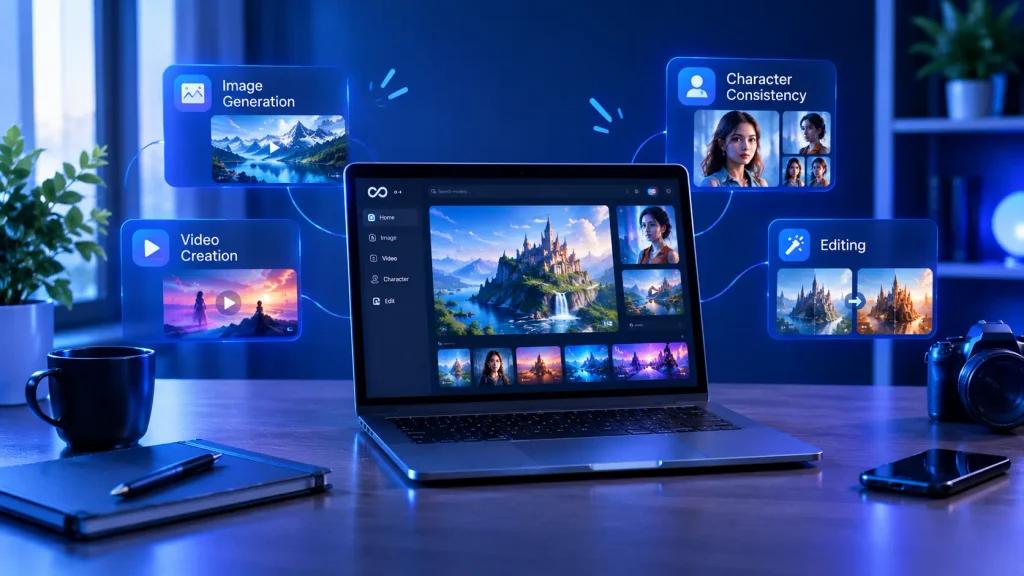
OpenArt AI is a creative platform that brings image, video, audio, character, and editing tools together in one workspace.
One of its main differences is its multi-model approach. Rather than making users commit to one AI model, OpenArt provides access to many models through the same platform.
Its current platform includes models and tools for both image and video generation, while features such as character creation and editing are designed to support longer creative workflows.
This can be useful when your projects require different visual styles instead of one consistent model.
OpenArt AI vs Midjourney
Midjourney is well known for artistic and visually distinctive image generation. It is often preferred by users who care strongly about the visual style of the final image.
OpenArt takes a broader approach.
Instead of focusing on one model family, OpenArt gives users access to many models from one account. This means a user can experiment with different models without opening separate platforms for every generation style.
OpenArt may suit you if:
- You want to compare different AI models.
- You create both images and videos.
- You want editing tools alongside generation.
- You need character consistency.
- You prefer having several creative tools in one account.
Midjourney may suit you if:
- Your main priority is artistic image generation.
- You already know the visual style you want.
- You prefer a focused image-generation workflow.
The biggest difference is therefore not simply image quality. It is the workflow. OpenArt emphasizes model choice and a broader creative workspace, while Midjourney is more focused around its own image-generation ecosystem.
OpenArt AI vs Leonardo AI
Leonardo AI is built for creators who want to go beyond simple text-to-image prompts. Along with generating images, it provides editing features and other tools for creative projects.
OpenArt overlaps with Leonardo in several areas, particularly image creation and creative editing, but its multi-model approach is an important distinction.
OpenArt can be useful when you want to test different models for the same project. Leonardo can be attractive to users who prefer a more focused creative environment.
For example, a creator working on product concepts might want to generate several versions using different models. OpenArt’s model variety can make that type of experimentation easier.
On the other hand, someone who already prefers Leonardo’s interface and workflow may not need to move between platforms.
OpenArt AI vs ChatGPT Image Generation
ChatGPT’s image generation is particularly convenient for users who prefer describing an idea conversationally.
Instead of building a detailed prompt from scratch, you can describe the image you want and then ask for changes in natural language.
OpenArt also has a conversational Chat Mode. It can interpret natural-language requests, choose models and settings, and show the credit cost before generation.
The difference is that OpenArt is designed around a much wider collection of creative models and media tools.
If you prefer describing an idea and refining it through a conversation, a conversational image workflow may feel more straightforward.
Consider OpenArt if you want conversational creation while also having access to multiple models and dedicated creative tools.
OpenArt AI vs Canva
Canva is not only an AI image generator. It is a complete design platform used for presentations, social media graphics, documents, marketing materials, and other visual content.
That makes the comparison slightly different.
OpenArt is more focused on AI-powered creation and experimentation. Canva is designed more around taking content and turning it into ready-to-use visual designs.
For example, if you want to generate an unusual AI character or experiment with different image models, OpenArt may provide more specialized options.
If you already have a brand kit and need to create an Instagram post, presentation, or marketing graphic quickly, Canva’s design environment may be more convenient.
For many small businesses, these tools can also complement each other rather than replace one another.
OpenArt AI vs Adobe Firefly
Adobe Firefly is designed to work within Adobe’s wider creative ecosystem. This makes it particularly relevant for designers and creative professionals who already use products such as Photoshop and Illustrator.
OpenArt’s strength is its collection of models and creative workflows under one platform.
Adobe Firefly, meanwhile, makes more sense when your workflow already depends on Adobe Creative Cloud.
The choice can therefore depend less on the image generator itself and more on the software ecosystem you already use.
OpenArt AI Features That Stand Out
Multiple AI Models
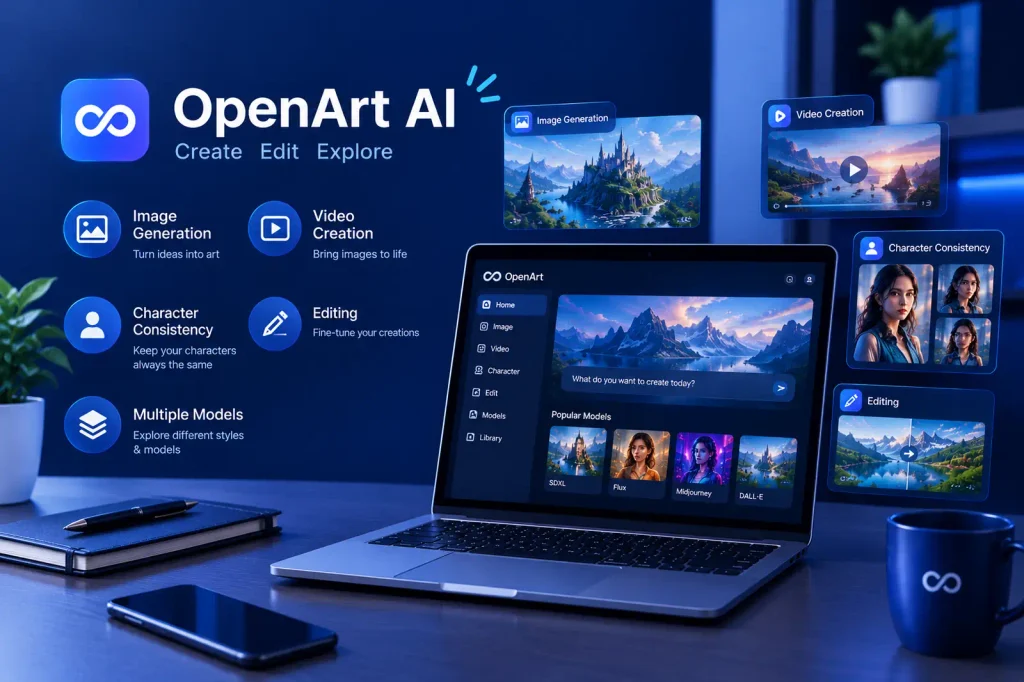
One of OpenArt’s biggest advantages is model variety. Its current platform provides access to more than 100 premium image, video, and audio models across its plans.
This allows users to experiment with different models instead of paying for several separate services.
Character Consistency
OpenArt also provides character-focused tools designed to keep a character’s appearance consistent across different generations.
This can be useful for:
- Children’s books
- Comics
- Marketing campaigns
- Social media characters
- Storytelling projects
- Product campaigns
The platform distinguishes character training from broader model training, with character training focused specifically on maintaining a character’s appearance, expressions, and poses.
Image and Video Creation
OpenArt has expanded beyond static images. Its current platform includes multiple video-generation models and workflows alongside image generation.
This makes it possible to move from an image concept to video creation without necessarily switching to another AI platform.
Editing Tools
Generation is only one part of an AI creative workflow. OpenArt also provides image editing features, allowing users to modify generated content rather than starting from zero every time.
That can save time when creating variations of the same visual.
How Much Does OpenArt Cost?
OpenArt uses a credit-based system, so the amount of content you can create depends on the plan and the models you use.
At the time of writing, its individual monthly plans include:
- Starter: $14/month with 4,000 credits
- Plus: $34/month with 12,000 credits
- Pro: $56/month with 24,000 credits
- Wonder: $240/month with 106,000 credits
OpenArt also offers promotional pricing at times, so prices can change.
An important detail is that different models consume different numbers of credits. For example, image and video generations do not necessarily cost the same amount.
Unused monthly credits also do not roll over into the next month.
If pricing is your main concern, check the current plan details before subscribing rather than relying on an older comparison.
Which OpenArt Alternative Should You Choose?
The best option depends on your actual workflow.
Choose OpenArt if you want:
- Access to many AI models
- Image and video generation
- Character consistency tools
- AI-powered editing
- Different creative workflows in one platform
- The ability to experiment with different models
Consider Midjourney if you mainly want:
- Artistic image generation
- A focused visual workflow
- Distinctive stylized artwork
Consider Leonardo AI if you want:
- AI image generation
- Editing and creative workflows
- A platform focused on creator-oriented image production
Consider ChatGPT if you want:
- Conversational image creation
- Simple prompt-based editing
- An image workflow inside a broader AI assistant
Consider Canva if you want:
- Business graphics
- Social media designs
- Presentations
- Templates and brand-focused design
Consider Adobe Firefly if you want:
- Adobe Creative Cloud integration
- Generative AI within professional design workflows
- A workflow connected to Photoshop and other Adobe products
Is OpenArt AI Worth Trying in 2026?
OpenArt is particularly interesting for users who do not want to commit themselves to a single AI model.
Its main appeal is the combination of model variety, image and video generation, character tools, and editing features in one platform.
However, the large number of models can also make the platform feel more complicated than a simple single-model generator. Credit usage is another factor to consider, especially if you create large amounts of video content.
For someone who regularly experiments with different AI models, having those models available under one account can make the workflow more convenient.
For someone who only wants one specific artistic style or a very simple image-generation experience, a more specialized platform may be easier.
Final Thoughts
The main difference between OpenArt AI and its competitors is the way the platform approaches AI creation.
Instead of building the entire experience around one model, OpenArt brings multiple models and creative tools together. That gives users more flexibility when experimenting with different image styles, characters, videos, and editing workflows.
Midjourney, Leonardo AI, ChatGPT, Canva, and Adobe Firefly each approach AI creativity differently, so the right choice depends on what you actually need to create.
If you want to explore several AI models without constantly switching between different platforms, OpenArt is worth exploring.
Want to try OpenArt AI yourself? You can check its current plans, available models, and features before choosing a subscription.
[Try OpenArt AI →]
Disclosure: This article may contain affiliate links. If you purchase a product or subscription through one of our links, ToolsOfBusiness may earn a commission at no additional cost to you. Our comparisons are based on publicly available product information and are intended to help readers make informed decisions.
Frequently Asked Questions
How is OpenArt different from other AI art tools?
OpenArt focuses on bringing multiple AI models and creative tools together under one platform. Instead of relying on one model, users can choose different models for different projects.
Is OpenArt better than Midjourney?
They serve somewhat different workflows. OpenArt emphasizes model variety and a broader creative workspace, while Midjourney focuses more heavily on its own image-generation experience.
Can OpenArt create videos?
Yes. OpenArt currently provides access to multiple video-generation models and video-focused creative workflows.
Can OpenArt keep characters consistent?
Yes. OpenArt provides character-focused training and tools designed to maintain consistent characters across different generations.
Does OpenArt have a free option?
OpenArt’s available access and plans can change over time. Check the current OpenArt pricing page for the latest free access, credits, and subscription options.
Do OpenArt credits expire?
Monthly credits reset rather than rolling over to the next month. The amount used also depends on the model or tool you select.