Leonardo AI is a flexible platform for creating images, editing visuals, generating videos, and exploring different creative workflows. But it may not be the right fit for everyone.
You might want a more artistic style, a simpler interface, stronger photo-editing tools, access to multiple AI models, or graphic design features in the same platform.
That is why many creators look for Leonardo AI alternatives.
In this guide, we’ll compare seven popular options and explain what each one is best suited for, along with a few things to consider before switching.
If you want to learn more about Leonardo AI before exploring alternatives, read our Leonardo AI review.
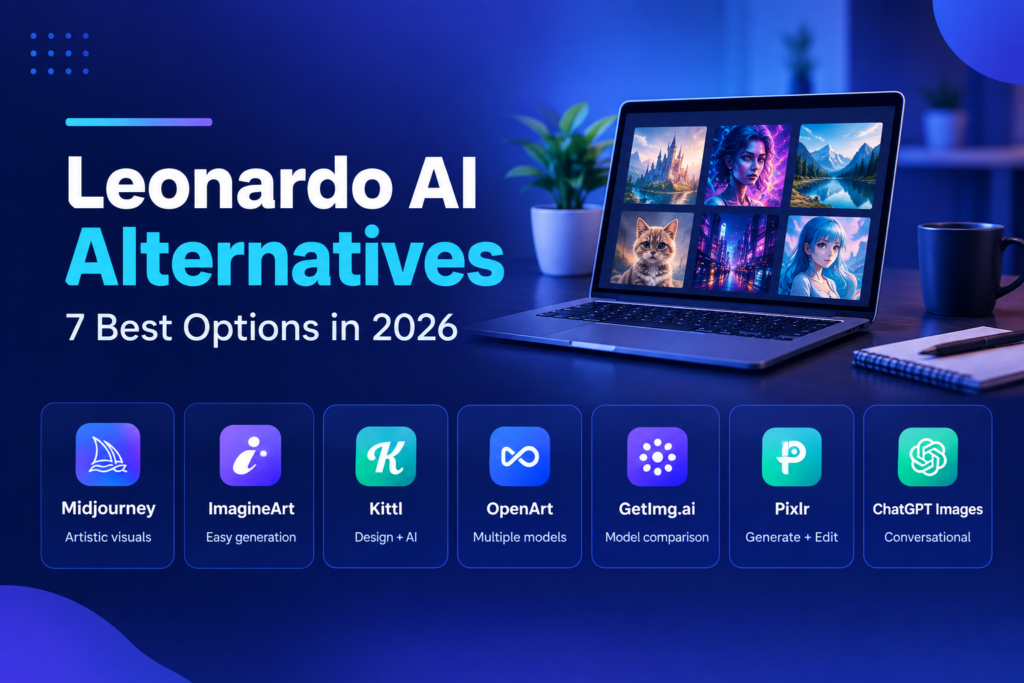
Quick Comparison: Leonardo AI Alternatives
| Tool | Main Focus | Free Access | Best Suited For |
|---|---|---|---|
| Midjourney | Artistic AI images | Availability varies | Stylized visuals |
| ImagineArt | AI image generation | Yes | Beginners |
| Kittl | AI + graphic design | Yes | Branding and marketing |
| OpenArt | AI models and creative tools | Yes | Exploring different workflows |
| GetImg.ai | Multiple AI models | Varies | Model experimentation |
| Pixlr | AI + photo editing | Yes | Image creation and editing |
| ChatGPT Images | Conversational image creation | Availability varies | Natural-language editing |
Free access, credits, features, and licensing terms can change, so check the current plan details before subscribing.
1. Midjourney
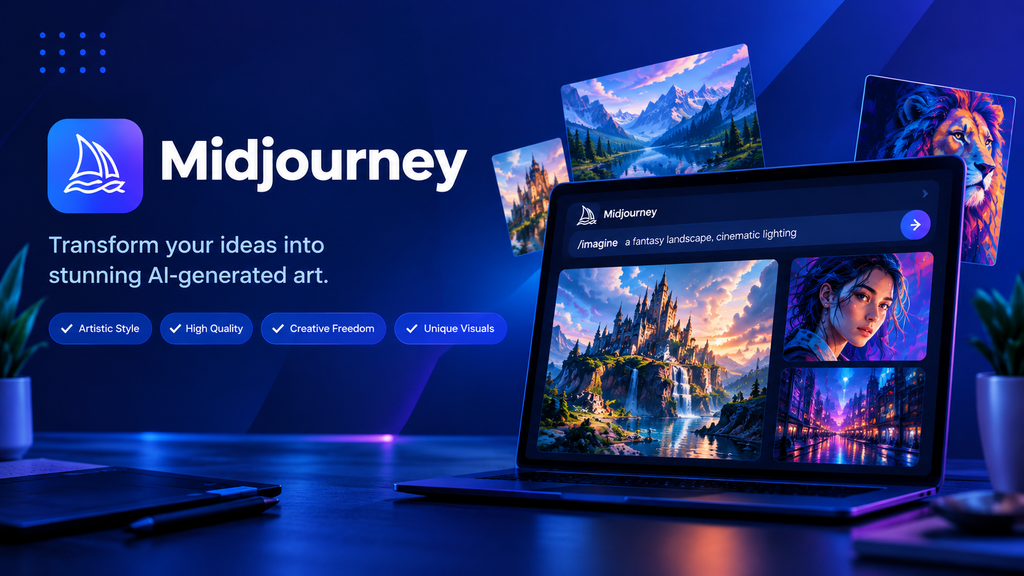
Midjourney is one of the most recognized names in AI image generation. It is particularly known for highly stylized and visually distinctive images
.
If artistic style is the main priority, Midjourney can be an interesting Leonardo AI alternative. Its workflow is centered heavily around generating and exploring visual ideas.
It can work well for concept art, illustrations, creative projects, and other visuals where the overall artistic direction matters.
Best for: Artists, designers, and creators who want distinctive visual styles.
What to consider: Midjourney has a different workflow from Leonardo AI and is more focused on image generation than being an all-in-one creative platform.
Read our Leonardo AI vs Midjourney comparison →
2. ImagineArt
ImagineArt focuses on making AI-powered creative work relatively straightforward. It can be useful for users who want to generate images without spending too much time learning complicated settings.
The platform supports image generation along with other creative features, giving beginners a way to experiment with AI visuals.
For bloggers, social media creators, and casual users, a simpler workflow can make it easier to get started.
Best for: Beginners and creators looking for a straightforward AI image-generation experience.
What to consider: Users who need advanced controls or extensive model options may eventually prefer a more customizable platform.
Read our full ImagineArt review →
3. Kittl
Kittl takes a broader approach than a traditional AI image generator. It combines AI features with graphic design tools, templates, typography, mockups, and other design resources.
This makes it particularly useful for business and marketing content.
You can use Kittl for social media graphics, posters, merchandise designs, promotional materials, and branding projects without relying entirely on separate design applications.
Best for: Small businesses, marketers, designers, and creators working on branded content.
What to consider: Kittl is more design-focused than an AI art generator, so it may not be the ideal workflow for users who only want experimental AI artwork.
4. OpenArt
OpenArt is worth considering if you enjoy experimenting with different AI models, styles, and creative workflows.
Instead of focusing on a single generation approach, it provides access to different models and creative tools in one platform. This can be useful when you want to compare results or explore different visual styles.
OpenArt also provides additional tools for working with and refining images, making it more than a basic text-to-image generator.
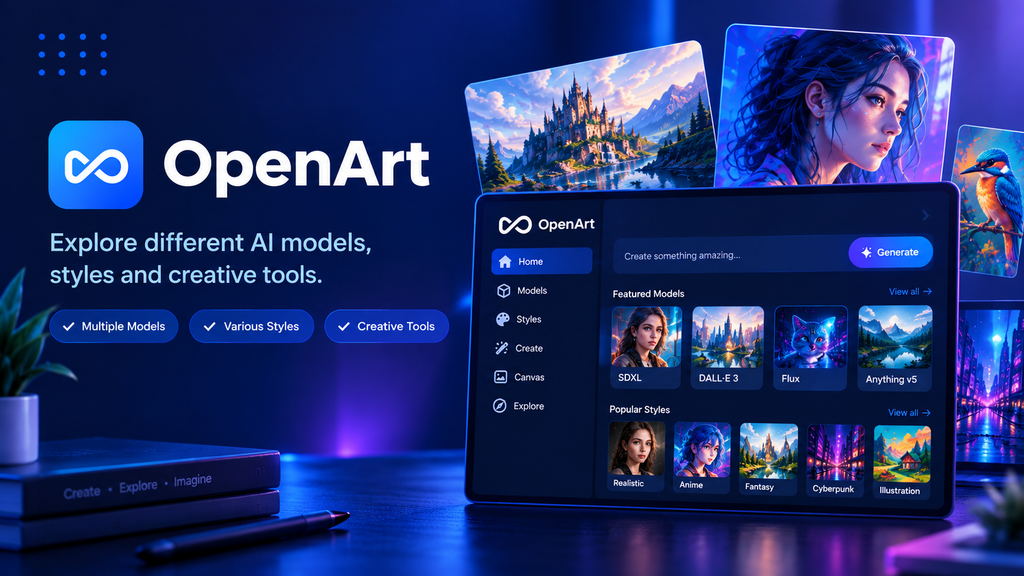
Best for: Users who want to explore different AI models, styles, and creative workflows.
What to consider: The number of available options can feel overwhelming if you simply want a quick and simple image-generation experience.
5. GetImg.ai
GetImg.ai is another option for users who want to work with multiple AI models from one platform.
Its model-focused approach can be useful when you want to compare how different models respond to the same prompt. Instead of moving between several websites, you can experiment within one environment.
This can be especially useful for creators who enjoy testing different generation styles before choosing a result.
Best for: Creators who want to experiment with multiple AI models.
What to consider: Multiple models and settings can create a learning curve, particularly for beginners. Credits and available features can also vary by plan.
6. Pixlr
Pixlr combines AI image generation with photo-editing tools, making it different from platforms that focus mainly on generating artwork.
This can be useful when image creation is only the first step. You might generate an image and then need to remove its background, expand the canvas, resize it, or make other adjustments.
Having generation and editing tools together can make this type of workflow more convenient for bloggers, marketers, and small businesses.
Best for: Users who want AI generation and photo editing in one platform.
What to consider: Pixlr is broader than a dedicated AI art platform. If highly specialized artistic generation is your priority, another tool may suit that particular need better.
7. ChatGPT Images
ChatGPT Images offers a more conversational approach to AI image creation.
Instead of relying only on traditional image-generation controls, you can describe what you want in natural language and then ask for changes to the result.
You can also work with an existing image and explain the edits you want. This makes the process approachable for people who already use ChatGPT for writing, brainstorming, research, or other tasks.
Best for: Beginners, bloggers, marketers, and creators who prefer conversational image creation and editing.
What to consider: Users who want highly specialized image controls or access to many dedicated models may prefer platforms such as Leonardo AI, Midjourney, OpenArt, or GetImg.ai.
How Do These Leonardo AI Alternatives Differ?
These platforms are not designed for exactly the same type of user.
Midjourney focuses heavily on artistic image generation.
ImagineArt provides a straightforward creative experience.
Kittl combines AI with graphic design.
OpenArt and GetImg.ai are useful for exploring different AI models and workflows.
Pixlr combines image generation with traditional editing.
ChatGPT Images focuses on conversational creation and refinement.
So rather than asking which tool is universally the best, consider what you actually need it to do.
What Should You Consider Before Choosing an Alternative?
Image Quality and Style
Different AI models produce different visual results. If style matters to your project, create a few test images before committing to a platform.
Ease of Use
More settings do not always mean a better experience. Some users want detailed controls, while others prefer a simple prompt-based workflow.
Editing Features
If you regularly need background removal, image expansion, resizing, or other changes, consider the editing tools as well as image-generation quality.
Pricing and Credits
AI platforms often use credits, tokens, or generation limits. Compare what you actually receive with each plan rather than looking only at the subscription price.
Commercial Use
If you plan to use AI-generated images for client projects, advertising, products, or business websites, check the platform’s current commercial-use and licensing terms before publishing the content.
Frequently Asked Questions
What is the best Leonardo AI alternative?
There isn’t one alternative that suits every workflow.
Midjourney is focused on artistic image generation, Kittl combines AI with graphic design, OpenArt and GetImg.ai offer different model options, Pixlr combines generation with editing, and ChatGPT Images focuses on conversational creation.
What is the best free Leonardo AI alternative?
Several platforms offer some form of free access, including ImagineArt, Kittl, OpenArt, and Pixlr. However, free limits and features can change.
Compare current credits, generation limits, features, and licensing terms before choosing based on price.
Is Midjourney better than Leonardo AI?
The platforms emphasize different workflows.
Midjourney is strongly focused on artistic image generation, while Leonardo AI combines image generation with a wider range of creative tools.
The better fit depends on the type of work you want to create.
See our full Leonardo AI vs Midjourney comparison →
Which Leonardo AI alternative is best for beginners?
ImagineArt and ChatGPT Images can both be approachable options for beginners. ImagineArt provides a straightforward creative workflow, while ChatGPT Images allows users to create and refine images through natural language.
Can I use Leonardo AI alternatives commercially?
It depends on the platform and plan. Commercial-use rights and restrictions can vary, particularly between free and paid accounts.
Always check the current licensing terms before using generated images for client work, advertising, products, or other commercial projects.
Which Leonardo AI Alternative Should You Try?
Leonardo AI remains a flexible option for creators who want image generation and other visual tools in one place. However, different alternatives may fit different workflows.
Choose Midjourney if artistic image generation is your main focus. ImagineArt is worth exploring if you prefer a straightforward creative experience. Kittl is designed around AI and graphic design, while OpenArt and GetImg.ai are useful for exploring different AI models.
If you need image generation and photo editing together, Pixlr is another option. And if you prefer creating and refining visuals through natural-language instructions, ChatGPT Images offers a conversational workflow.
The right alternative ultimately depends on your creative goals, preferred workflow, required features, and budget. Comparing those factors before switching can help you choose a tool that fits your actual needs rather than simply following a list of popular AI image generators.
Explore Leonardo AI →