
ChatGPT has become one of the most widely used AI assistants for everyday work, learning, writing, research, and productivity. What started mainly as a conversational chatbot can now help with writing, coding, research, file analysis, image-related tasks, and more.
But with so many AI tools available today, is ChatGPT actually useful for everyday users? And do you really need a paid plan to get value from it?
In this ChatGPT review 2026, we look at its main features, pricing, practical uses, advantages, limitations, and business capabilities to help you understand what the tool can realistically do.
What Is ChatGPT?
ChatGPT is an AI assistant developed by OpenAI. It allows users to interact with an AI system using natural-language instructions and follow-up questions.
You can use ChatGPT for tasks such as writing and editing, brainstorming, studying, planning, mathematics, coding, web research, and analyzing supported files and images.
One of the more useful things about ChatGPT is the conversational approach. You can ask a question, review the response, add more information, and request changes without starting the entire task again.
For example, a freelancer could use ChatGPT to draft an email, improve a proposal, brainstorm content ideas, or explain a technical topic.
That said, ChatGPT should be treated as an assistant rather than an unquestionable source of information. Its responses can contain mistakes, so important facts should still be checked.
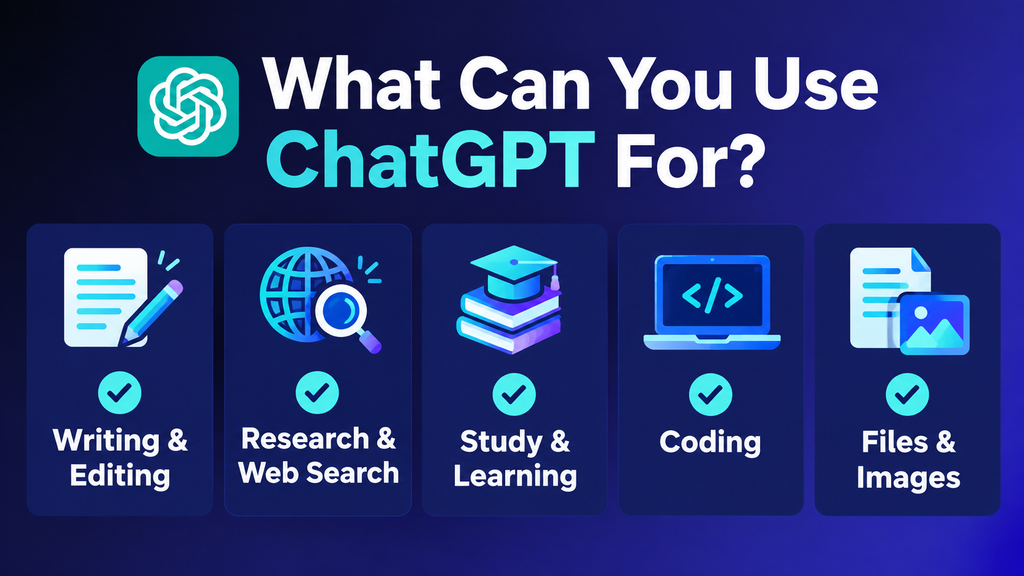
What Can You Use ChatGPT For?
ChatGPT can fit into a wide range of everyday and professional tasks. The usefulness depends largely on what you need it to do.
Writing and Editing
Writing and editing are among the practical ways to use ChatGPT for everyday and professional work.
I regularly use ChatGPT to explore ideas, organize information, develop article outlines, improve headings, and refine written content. It can also help rewrite drafts, summarize information, and adjust the tone of emails or other documents.
For bloggers and freelancers, ChatGPT can be useful when planning articles, organizing client-related writing tasks, or turning rough ideas into a clearer draft. For example, you can provide an initial outline and ask it to improve the heading structure or make the content easier to follow.
However, the first response is not always ready to publish. I still review the wording, check important facts, and edit the output to make sure it sounds natural and meets the needs of the intended audience. ChatGPT works best as a writing assistant, with human judgment guiding the final result.
Research and Web Search
Research is another area where I find ChatGPT useful. I use it to explore different topics, understand information, and get a clearer starting point when I am working on something new.
When web search is available, ChatGPT can help find up-to-date information and relevant sources. This can save time, especially when researching products, businesses, or topics that need current details.
Still, I don’t assume every answer is correct. I check important facts against reliable sources before using them in my work, particularly when it comes to pricing, business information, or technical details.
Studying and Learning
Students can use ChatGPT to explain difficult concepts, create practice questions, summarize material, or provide examples.
Instead of simply asking for an answer, a student can ask ChatGPT to explain why an answer is correct or quiz them on a particular subject.
That makes it more useful as a learning assistant rather than simply an answer generator.
Students should still make sure they understand the material themselves and follow any academic rules that apply to AI-assisted work.
Coding
ChatGPT can help with programming by explaining code, identifying possible problems, generating examples, and helping users understand programming concepts.
For beginners, being able to ask follow-up questions about the same piece of code can be particularly useful.
Developers should still test AI-generated code before using it in a real application. Generated code can contain errors or security problems.
File and Image Analysis
ChatGPT can work with supported files and images for analysis and other tasks.
This can be useful for documents, spreadsheets, screenshots, charts, and other information that might otherwise take time to review manually.
For example, instead of manually going through a long document to find a particular type of information, you can ask ChatGPT to summarize or organize the relevant material.
The exact capabilities and limits depend on the ChatGPT plan and current product availability.
My Hands-On Experience With ChatGPT
I tested ChatGPT on practical tasks to understand how useful it can be for everyday content and website planning. Rather than relying only on its listed features, I focused on how it handled specific prompts and whether the results were useful in a real project.
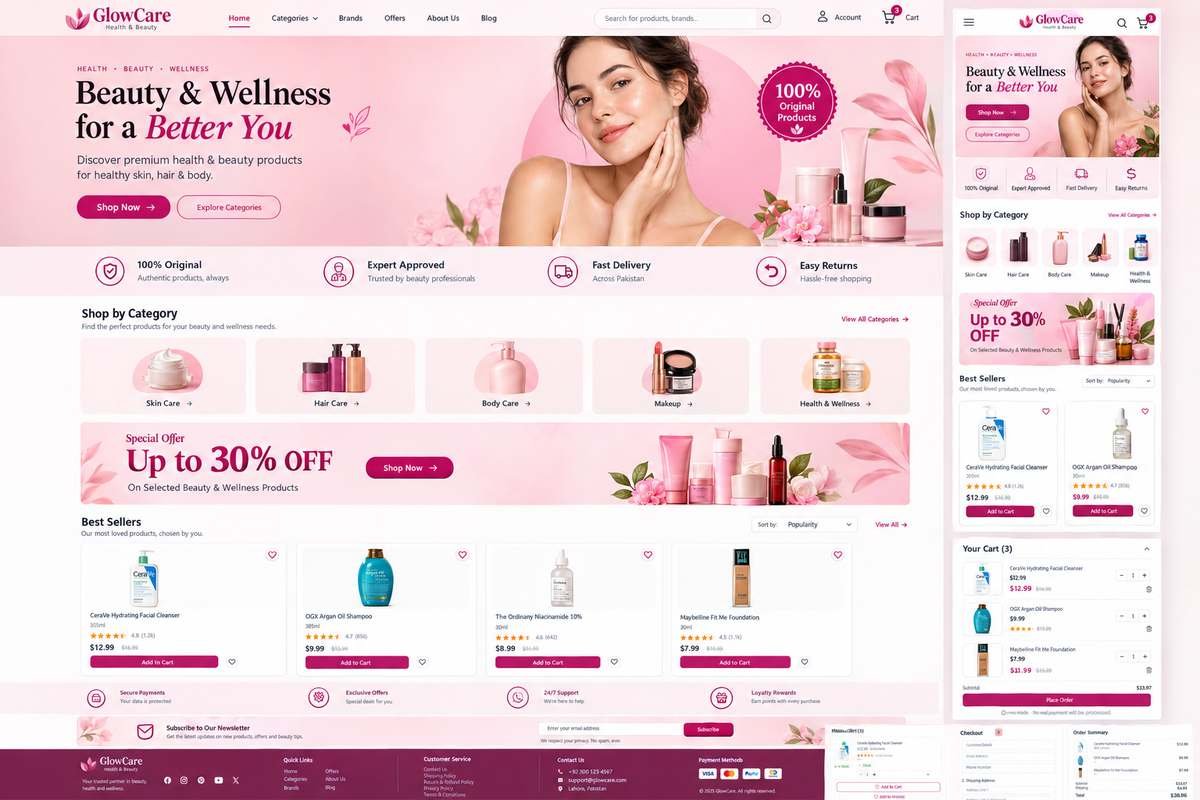
One task involved planning a beauty and wellness website called GlowCare. I used ChatGPT to help develop a visual direction for the website, with a focus on a clean layout and a pink beauty-inspired aesthetic. The resulting website image gave me a visual starting point and showed how an AI assistant can support early-stage website planning.
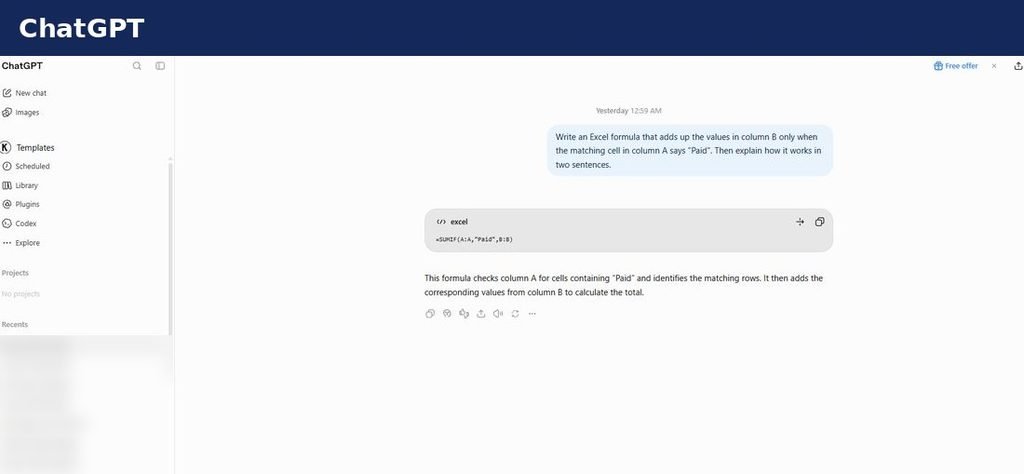
I also tested ChatGPT with a practical Excel task and compared its response with Claude using the same SUMIF prompt. This provided a straightforward way to compare how the two tools handled a specific request. In addition to these tasks, I considered how useful ChatGPT could be for drafting and organizing website content.
These tests gave me a practical view of where ChatGPT can save time and where human review is still important. Its output can provide a useful starting point, but the result should be checked and refined before it is used in a live website or published content. This was a limited hands-on evaluation, not a comprehensive test of every ChatGPT feature or plan.
Another practical task I tried was using ChatGPT for an Excel SUMIF formula. I asked ChatGPT to explain how the formula works and provide a simple example. This helped me understand how ChatGPT can assist with spreadsheet tasks, even when I need guidance on a formula rather than a complete spreadsheet solution.
Key ChatGPT Features
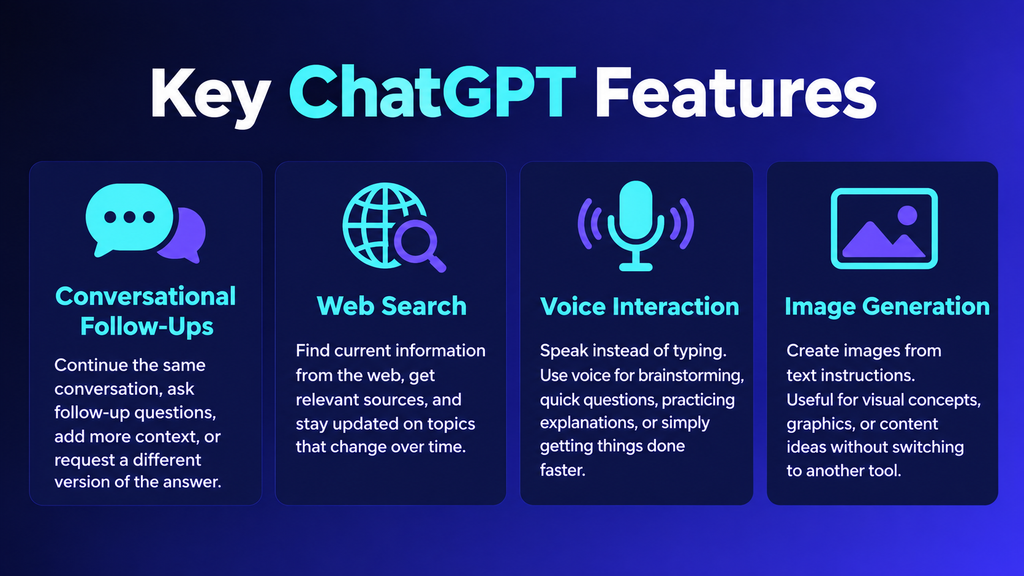
ChatGPT’s usefulness comes from having several capabilities available within one service.
Conversational Follow-Ups
You can continue a conversation instead of creating a completely new request every time.
If the first answer is too complicated, you can ask for a simpler explanation. If it is too long, you can ask for a shorter version.
You can also provide additional context and ask ChatGPT to adjust the answer.
That makes it easier to work through tasks gradually instead of trying to write one perfect prompt from the beginning.
Web Search
Web search allows ChatGPT to find current information rather than relying only on information from its underlying training.
This can be useful for current events, product information, research, and other topics that change regularly.
However, users should still check the sources before relying on important information.
Voice Interaction
ChatGPT also supports voice conversations, allowing users to communicate through speech instead of typing every request.
This can be convenient for brainstorming, asking quick questions, practicing explanations, or simply talking through an idea.
Image Generation
ChatGPT can also create images from text instructions.
This gives users another option for creating visual concepts and content without necessarily using a separate image-generation service.
Feature availability and usage limits can vary by plan, so it is worth checking the current OpenAI information if a particular feature is important to you.
ChatGPT Pricing and Plans
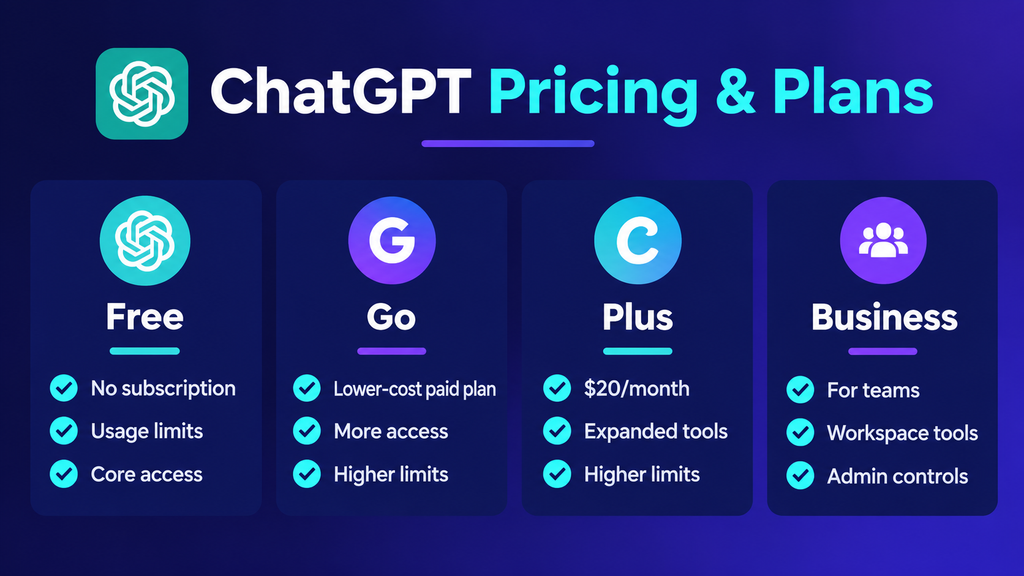
ChatGPT offers several plans with different levels of access and usage limits.
Because OpenAI can change pricing, features, and limits, it is a good idea to check the current official information before subscribing.
For the latest plan details and prices, visit the official ChatGPT pricing page.
ChatGPT Free
The Free plan allows users to access ChatGPT without paying for a subscription.
It is suitable for people who want to try the service or use it occasionally.
There are limits on usage and access to some features, so people who use ChatGPT heavily may eventually need to consider a paid plan.
ChatGPT Go
ChatGPT Go is a lower-cost paid plan that offers more access to ChatGPT features than the Free plan. Availability and pricing may vary by market, so check the official pricing page for the latest details.
It provides more access to several ChatGPT capabilities than the Free plan.
Pricing and availability can vary by market, so users should check the price displayed for their location before subscribing.
ChatGPT Plus
ChatGPT Plus is designed for users who want more access to ChatGPT’s models and tools.
The standard price is currently $20 per month.
For someone who uses ChatGPT regularly for work, research, writing, study, or coding, the additional access may be useful.
Someone who only uses ChatGPT occasionally may find that the Free plan already meets their needs.
ChatGPT Business
ChatGPT Business is designed for organizations and teams rather than individual casual users.
It provides business-focused features such as workspace administration, collaboration, and organizational controls.
Businesses should compare the current plan details with their team size, usage requirements, privacy needs, and budget before choosing a plan.
ChatGPT Pros and Cons
After using ChatGPT for writing, website planning, and everyday tasks, I can see why it is useful. It can help you get started quickly, but there are still a few things to keep in mind.
Pros of ChatGPT
- Easy to use, even for beginners
- Helpful for writing, editing, and brainstorming ideas
- Useful for planning website content and organizing information
- Can help with research and finding current information when web search is available
- Supports files and images, depending on the features available
- Available through web and mobile apps
- Offers a free plan
Cons of ChatGPT
- Some answers can be incorrect or outdated.
- Writing may need editing to sound natural and fit your audience.
- Research still requires checking reliable sources.
- Usage limits depend on your plan and the features you use.
- Generated code needs testing before you use it.
- Some advanced features are available only on eligible paid plans.
Overall, ChatGPT can save time and help you work through different tasks, but I would not rely on every answer without reviewing it. The best results come when you use your own judgment alongside its suggestions.
Is ChatGPT Safe and Trustworthy?
ChatGPT can be useful, but users should understand its limitations.
For ordinary tasks such as brainstorming or drafting, an incorrect detail may be easy to identify and fix.
The situation is different for important financial, legal, medical, technical, or business decisions. In those cases, relying on an AI response without verification can create unnecessary risks.
Privacy is another consideration.
Users should think carefully before entering confidential or sensitive information into any online AI service. Business users should also review the privacy and data policies associated with the specific plan they are using.
The safest approach is to use ChatGPT as an assistant while keeping human judgment involved in important decisions.
Who Should Use ChatGPT?
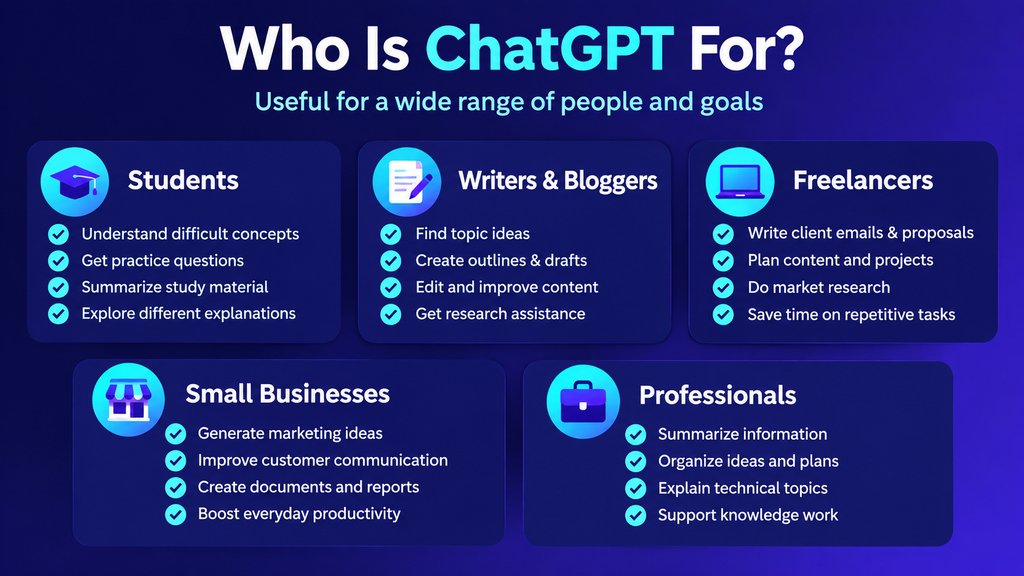
ChatGPT can be useful for several types of users.
Students
Students can use it for explanations, revision, practice questions, and brainstorming.
It can be especially helpful when a concept needs to be explained differently.
Writers and Bloggers
Writers can use it for research assistance, outlines, brainstorming, editing, and first drafts.
However, published content should be reviewed, fact-checked, and improved with genuine research and useful information rather than simply publishing raw AI output.
Freelancers
Freelancers can use ChatGPT for client emails, proposals, content planning, research, and repetitive writing tasks.
It can also help turn rough ideas into a workable first draft, which can then be edited before sending it to a client.
Small Businesses
Small businesses can use ChatGPT for marketing ideas, customer communication, documentation, research, and everyday productivity.
It can also help business owners organize information or create initial versions of routine documents.
Professionals
Professionals can use ChatGPT to summarize information, organize ideas, explain technical subjects, and support different types of knowledge work.
The usefulness will naturally depend on the person’s role and workflow.
ChatGPT for Business
Businesses can use ChatGPT for much more than simple question answering.
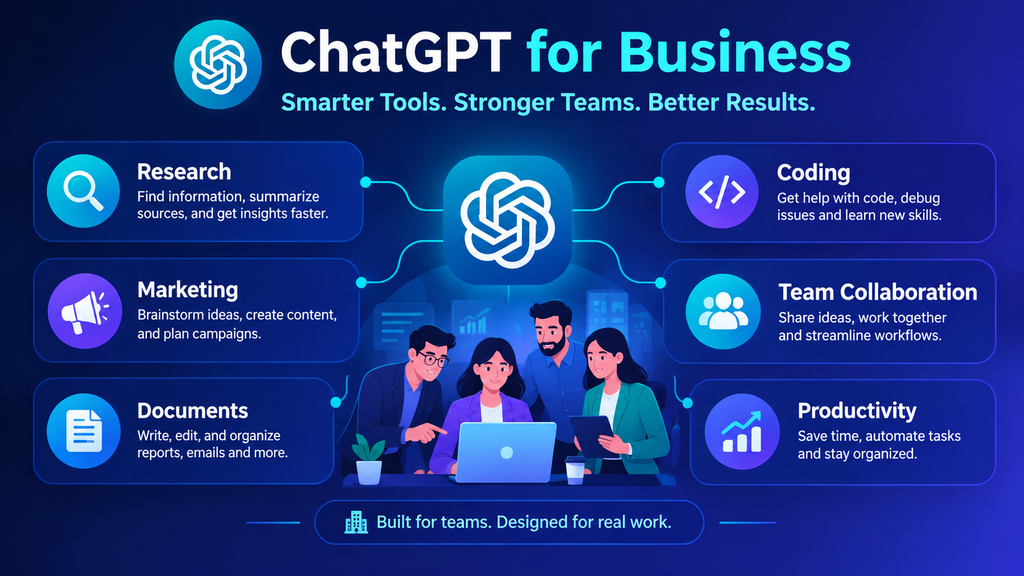
Common use cases include creating internal documents, brainstorming marketing campaigns, summarizing information, assisting with research, supporting coding workflows, and developing repeatable AI-assisted processes.
For teams, ChatGPT Business provides additional organizational and administrative capabilities compared with an individual account.
However, a business should consider its actual requirements before choosing a plan.
A freelancer working alone may have very different needs from a small marketing team or a larger organization.
We will cover this topic in more detail in our dedicated ChatGPT for Business guide.
ChatGPT Alternatives
ChatGPT is not the only AI assistant available today.
Depending on your requirements, you may also want to explore tools such as Claude, Google Gemini, Microsoft Copilot, and specialized AI applications.
When comparing AI tools, look beyond popularity. Consider the features that matter to your particular workflow.
Some useful comparison points include:
- Pricing
- Usage limits
- Writing quality
- Coding capabilities
- Web research
- File support
- Integrations
- Privacy controls
- Business features
Different tools can fit different workflows, so it makes sense to compare them based on what you actually need to accomplish.
Final Thoughts
ChatGPT has developed into a flexible AI assistant that can support writing, learning, research, coding, productivity, and business tasks.
Its biggest strength is versatility. The same tool can help with a simple email, explain a difficult concept, assist with research, or help organize a business task.
But ChatGPT is not a replacement for human judgment. Its responses can contain mistakes, and important information should be verified before it is used.
For occasional users, the Free plan provides a way to explore ChatGPT without paying for a subscription. People who use AI more frequently can compare the paid plans based on the features and usage limits they actually need.
The best way to evaluate ChatGPT is not by its feature list alone. Try it with the tasks you actually need to complete and see whether it genuinely saves you time or improves your workflow.
Frequently Asked Questions
Is ChatGPT free?
Yes. OpenAI offers a Free plan, although usage and access to some features are limited. Paid plans provide additional access and capabilities.
What is ChatGPT mainly used for?
ChatGPT is commonly used for writing, brainstorming, studying, research, coding, planning, file analysis, and other productivity tasks.
What are the disadvantages of ChatGPT?
ChatGPT can provide incorrect information, produce generic responses, and has usage limits that vary by plan. Important information should always be reviewed.
Is ChatGPT useful for students?
Yes. Students can use ChatGPT for explanations, revision, practice questions, and learning. It should support understanding rather than replace the student’s own work.
Can ChatGPT be used for business?
Yes. Individuals can use ChatGPT for everyday business tasks, while ChatGPT Business provides additional features designed for team and organizational use.
Can ChatGPT search the internet?
Yes. ChatGPT can search the web for current information and provide links to relevant sources.
Is ChatGPT good for blogging?
ChatGPT can help bloggers with brainstorming, outlines, research assistance, editing, and drafting. However, a strong published article should include original research, useful examples, fact-checking, and human editorial judgment rather than simply publishing raw AI output.