Kittl and Canva are both popular design platforms, but they are built with different types of creators in mind. Canva focuses on general-purpose design, with templates and tools for everything from social media graphics and presentations to marketing materials. Kittl takes a more specialized approach, with a stronger focus on typography, vector graphics, AI-powered design tools, and merchandise.
So, when it comes to Kittl vs Canva, which one should you choose?
The answer depends on what you actually need to design. In this guide, we’ll compare Kittl and Canva across templates, AI vector tools, typography, print and merchandise design, pricing, and ease of use.
Try Kittl Free →
Kittl vs Canva: Quick Comparison
| Feature | Kittl | Canva |
|---|---|---|
| Free plan | Yes | Yes |
| Free plan focus | Personal projects and exploring Kittl | General-purpose design |
| AI vector tools | AI Vectorizer available on every plan | AI vector and SVG tools available |
| Typography | Strong typography and text effects | Good typography with a broader template focus |
| Templates | Curated design templates | Very large general-purpose template library |
| Vector exports | Available on paid plans | SVG tools available, with some features requiring Pro |
| Best for | Typography, logos, merch and vector-focused work | Social media, presentations and general marketing |
| Commercial use | Paid plans include commercial licensing | Commercial use depends on Canva’s content licensing |
| Best overall strength | Specialized design control | Versatility and template variety |
Pricing and feature availability can change, so check the current plan pages before purchasing.
Kittl vs Canva: What’s the Main Difference?
The biggest difference between Kittl and Canva is their approach to design.
Canva is built to help you create almost anything quickly. Its huge library of templates and broad range of design types make it useful for social media posts, presentations, flyers, documents, marketing graphics, and many other projects.
Kittl is more specialized. It puts more emphasis on typography, vector graphics, text effects, merchandise, and creative design workflows.
That doesn’t make one platform universally better than the other. It means each tool can be a better choice depending on the type of work you do.
Template Library and General Design Work
If your main priority is having a large selection of ready-made templates, Canva has the advantage.
Canva currently offers more than 1.6 million templates on its Free plan, along with millions of photos, videos, graphics, and audio assets. Its templates cover a wide range of design types, making it easy to start a project without building everything from scratch.
Kittl also offers professionally designed templates, but its library is more focused on creative design, typography, merchandise, and related projects. Kittl says its paid plans unlock more than 10,000 premium templates and mockups.
“For template variety: Canva”
If you need social posts, presentations, marketing graphics, or many different design formats, Canva is usually the more flexible option.
If you mainly create typography-heavy designs, logos, merchandise, or print-focused artwork, Kittl’s more specialized library may be more useful.
AI Vectorizer and Vector Graphics
This is one of the areas where Kittl stands out.
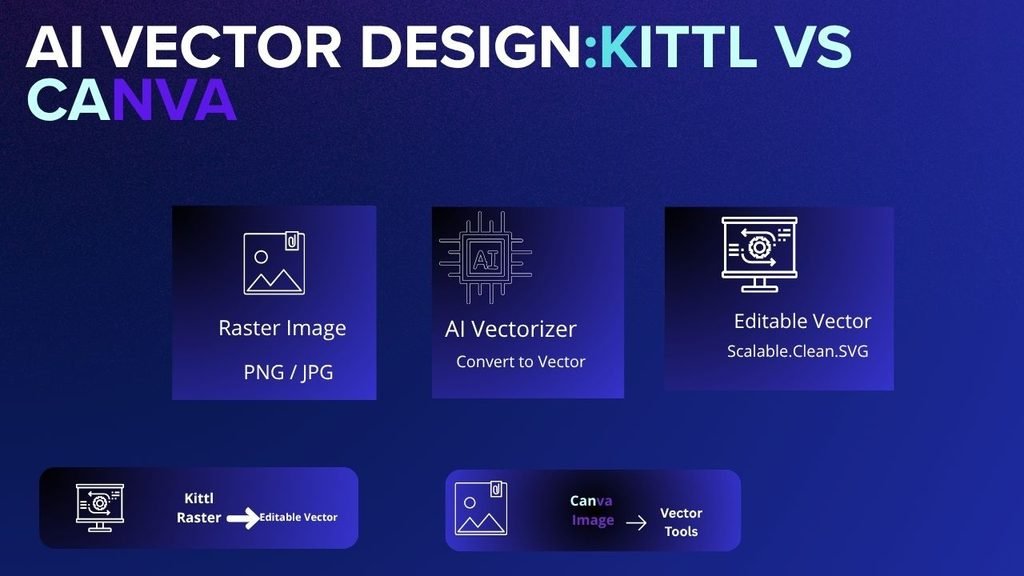
Kittl’s AI Vectorizer can convert a raster image such as a PNG, JPG, illustration, photo, or sketch into a scalable, editable vector graphic. You can then change colors and edit individual vector shapes and nodes. Kittl currently makes the AI Vectorizer available on every plan, including Free, and says it does not use AI tokens.
Canva also provides vector and SVG-related tools. Its platform includes an image-to-SVG converter as well as an AI vector generator that can create scalable vector artwork from prompts.
The difference is that Kittl’s Vectorizer is especially integrated into its design workflow for people who want to take an existing raster graphic and turn it into an editable vector.
“For dedicated raster-to-vector workflow: Kittl”
For a more general design workflow that happens to include vector tools, Canva remains a strong option.
Typography and Lettering
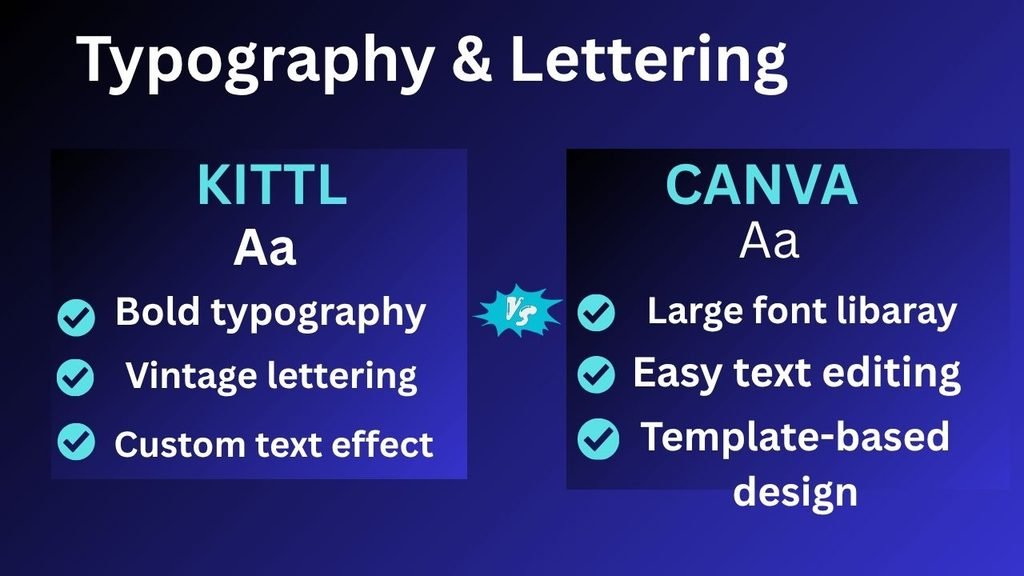
Typography is one of Kittl’s strongest areas.
Kittl’s design tools include advanced text effects, lettering styles, and typography-focused features. The platform also provides tools for creating effects such as warped, shadowed, and 3D text.
Canva also offers a large collection of fonts and text tools, but its overall approach is broader. Typography is one part of a much larger general-purpose design platform.
If you’re designing vintage lettering, logos, apparel graphics, or typography-heavy artwork, Kittl can give you more specialized control.
“For typography-focused design: Kittl”
Print on Demand and Merchandise Design
Kittl is particularly well suited to merchandise projects such as:
- T-shirts
- Stickers
- Hoodies
- Packaging
- Print graphics
- Merchandise artwork
Kittl combines typography, vector editing, templates, AI-powered design tools, and mockups in one workflow. Its paid plans also provide high-resolution and vector exports, which are useful for professional print work.
Canva can also be used for merchandise and print designs, and its broader platform makes it useful when you need to create additional marketing materials around a product.
Winner for specialized merch and print workflows: Kittl
Winner for broader marketing content around those products: Canva
Kittl vs Canva Pricing
Both Kittl and Canva offer free plans, but their free tiers work differently.
Kittl’s Free plan is free forever and includes five projects, 500MB of storage, selected free assets, and 200 one-time AI tokens. Free exports are limited to PNG and JPG up to 800px and 72dpi, while vector and high-resolution exports require a paid plan. The Free plan is also intended for personal use.
Kittl’s current Pro pricing is listed at $19 per month when billed monthly or $14 per month when billed annually, with the annual plan billed at $168. Pro includes unlimited projects, 2,000 AI tokens per month, premium templates and assets, high-resolution and vector exports, and commercial licensing.
Canva also has a Free plan. Its current Pro plan is listed at $180 per year for one person, although pricing and offers can vary by market or promotion. Canva Free includes 1,000+ design types, more than 1.6 million templates, millions of free assets, and limited AI usage.
Kittl vs Canva Pricing at a Glance
| Plan | Kittl | Canva |
|---|---|---|
| Free plan | Yes | Yes |
| Free plan | 5 projects, 500MB storage | Broad access to free design tools and assets |
| Paid plan | Pro: $14/month billed annually | Pro: $180/year |
| Vector exports | Paid Kittl plans | Available through Canva’s SVG tools, with some features requiring Pro |
| Commercial use | Paid plans include commercial licensing | Subject to Canva’s content licensing terms |
Always check the official pricing pages before purchasing because plan prices and included features can change.
See our full Kittl pricing breakdown →
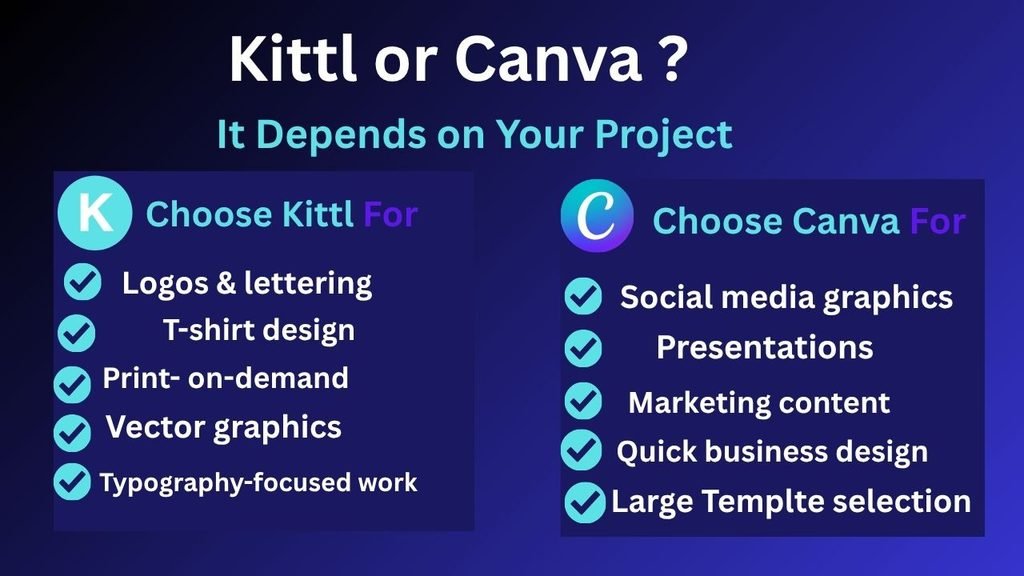
Which One Should You Choose?
There isn’t one winner for everyone.
Choose Canva if:
- You need a huge variety of templates.
- You create social media graphics regularly.
- You make presentations and marketing materials.
- You want one platform for many different types of design.
- Speed and convenience are more important than specialized design controls.
Choose Kittl if:
- You create logos and typography-heavy designs.
- You design T-shirts or other merchandise.
- You work with vector graphics frequently.
- You need an integrated AI Vectorizer.
- You create print-on-demand products.
- You want more specialized typography and text effects.
Can You Use Kittl and Canva Together?
Yes. You don’t necessarily have to choose only one.
A practical workflow could be to use Kittl for specialized design work, such as creating a logo, vector graphic, typography-based design, or merchandise artwork.
You can then use Canva for broader marketing materials, such as social media posts, presentations, promotional graphics, or other content around that design.
For many creators, using both tools can make more sense than trying to force one platform to handle every type of project.
Frequently Asked Questions
Is Kittl better than Canva?
Not universally. Kittl is stronger for typography, vector-focused design, logos, and merchandise, while Canva is stronger for general-purpose design and its large template ecosystem.
Is Kittl cheaper than Canva?
The entry-level paid prices are in a similar range, but the two platforms structure their plans differently. Kittl’s Free plan has stricter export limitations, while Canva’s Free plan is more flexible for many digital design tasks.
Can I use both Kittl and Canva?
Yes. You can use Kittl for specialized design work and Canva for broader marketing and content creation.
Which is better for T-shirt design, Kittl or Canva?
Kittl is generally the better fit if T-shirt design is a major part of your workflow because of its typography, vector tools, merchandise focus, and mockup features.
Which is better for social media graphics?
Canva is usually the more convenient choice for social media graphics because of its large template library and broad range of social-media design formats.
Is Kittl’s AI Vectorizer free?
Yes. Kittl’s AI Vectorizer is currently available on every Kittl plan, including Free, and Kittl says it does not consume AI tokens.
Can Canva convert images to SVG?
Yes. Canva provides image-to-SVG and other vector-related tools. Some SVG functionality is available through Canva Pro, while Canva also offers vector-generation features.
Which is better for logos, Kittl or Canva?
Kittl can be a strong choice for typography-heavy and vector-focused logo concepts. Canva may be more convenient if you also need to create a wide range of branding and marketing materials.
Kittl vs Canva: Final Verdict
Canva wins on versatility. Kittl wins on specialization.
If you want one easy-to-use platform for social media graphics, presentations, marketing content, and a huge variety of templates, Canva is difficult to beat.
If your work focuses more on typography, logos, vector graphics, T-shirts, merchandise, or print-on-demand designs, Kittl deserves a closer look.
The best choice ultimately depends on your workflow rather than which platform has more features.
Ready to compare them for yourself? Try Kittl Free →